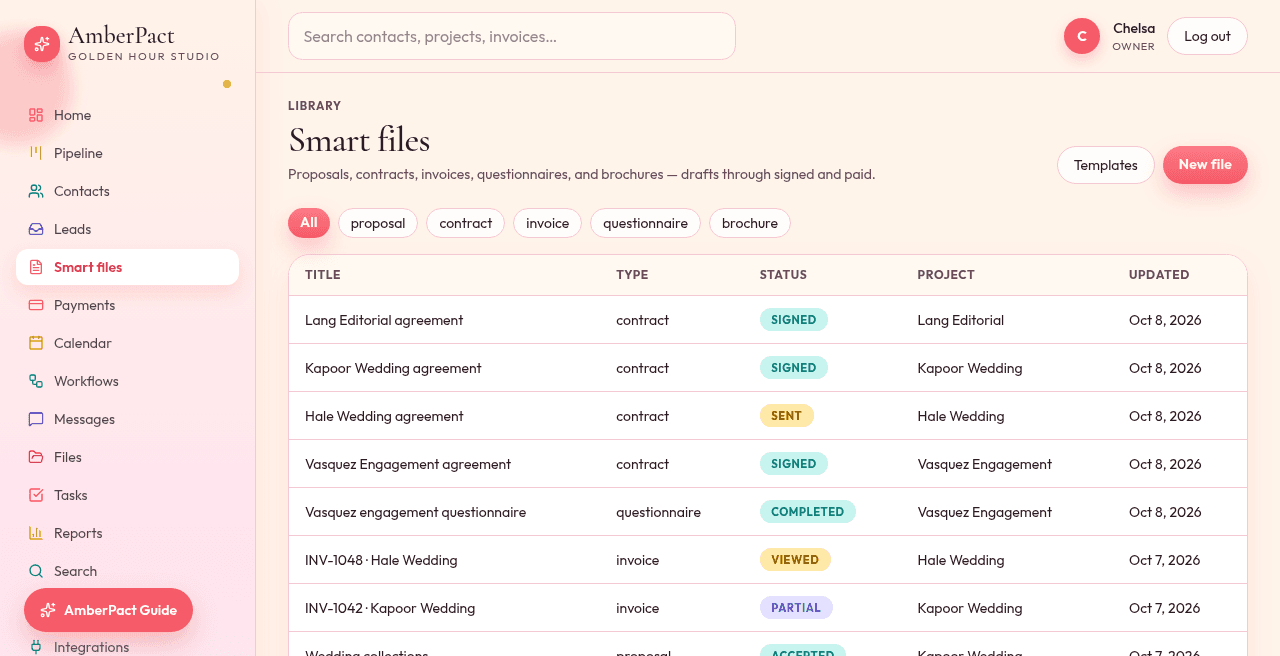
Get a signed agreement before you hold the date. Clients type their name (or draw it), agree to sign electronically, and every signer gets a signing record showing who signed and when.
Suggested contracts
Wedding, engagement, portrait, brand, planner, retainer addendum, model release, cancellation — start there, then edit.
Every signer gets their own link
Legal name, optional ink, checkbox that this is their electronic signature. Couples sign separately; you countersign once everyone has.
Signing record stays on the file
Each signer's name, email, time, IP and a record of the exact wording they signed stay on the file and in the PDF. Automations run when the last person signs.
How it goes
- Step 1
Create a new contract, pick a suggested template, attach the project.
- Step 2
Send. The client opens the portal and signs.
- Step 3
Optional workflow: contract signed → send the invoice and move toward Booked.