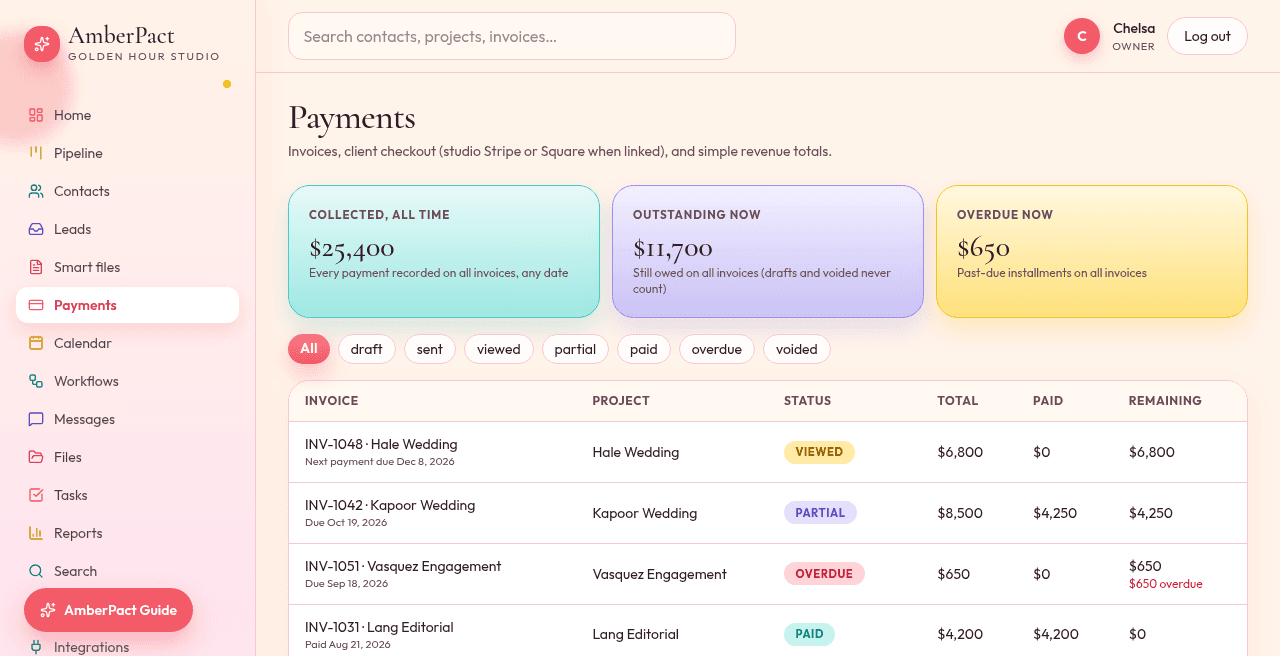
The invoice lives on the job with the proposal and contract. Send it, take a retainer, and your client pays in the portal. Online payment turns on once you connect Stripe.
Schedules that match the job
Deposit percent, tax, line items, overdue when a date slips. Staff can record a partial.
Your own Stripe account
Set up Stripe in Settings; payouts go to your own Stripe account.
Clear payment setup
In the demo you can click through a sample payment. In your studio, clients can pay once you connect Stripe.
How it goes
- Step 1
Create the invoice on the project. Send it.
- Step 2
Your client taps Pay now. The payment shows on the invoice right away.
- Step 3
Home and Reports add it to collected this month / year to date.