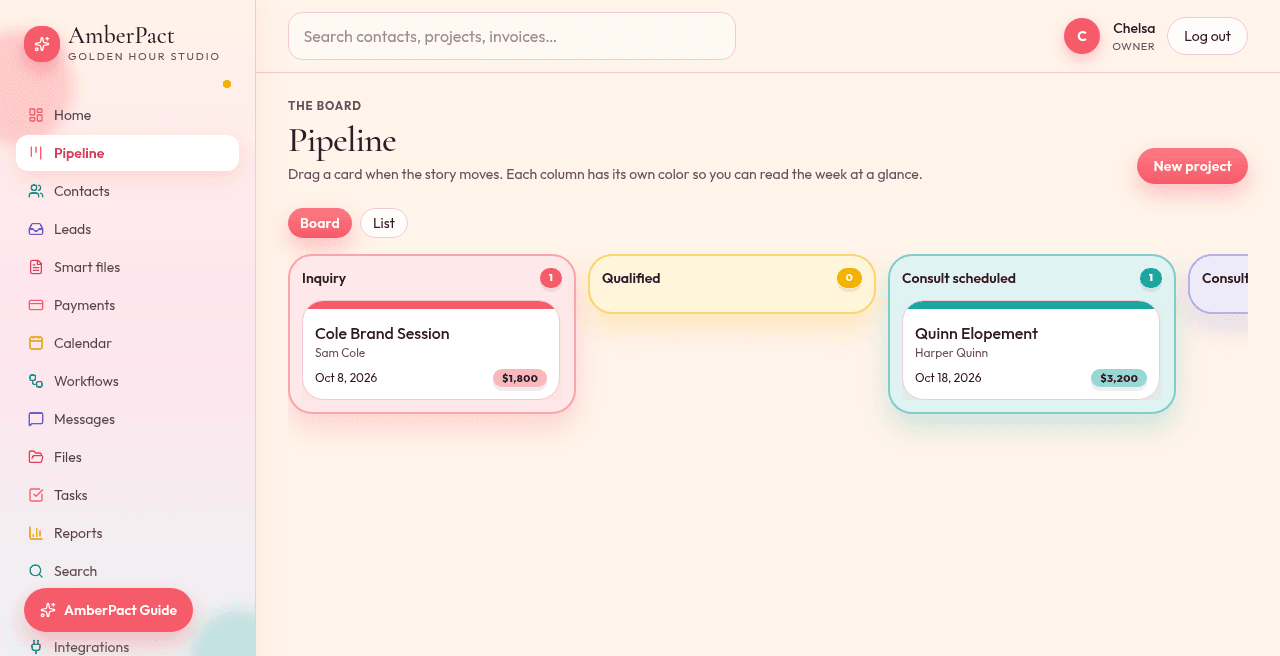
Leads do not live in your notes app. They sit on a board that matches how you actually book: inquiry, meeting, proposal, contract, booked, in progress, done.
Stages you can rename
Default columns are Lead through Lost. Add a stage in Settings when your studio has a ritual other tools never named.
Live job value
Every job shows its dollar amount. The total of open jobs on Home matches Reports.
People, not rows
Contacts hold source, tags, notes, and every project. Archive hides someone from pickers without deleting history.
How it goes
- Step 1
A public inquiry or booking creates a contact and a project in the first column of your pipeline.
- Step 2
Drag the card when the job moves — it writes to the activity feed.
- Step 3
Open the project for files, tasks, messages, and View as client.