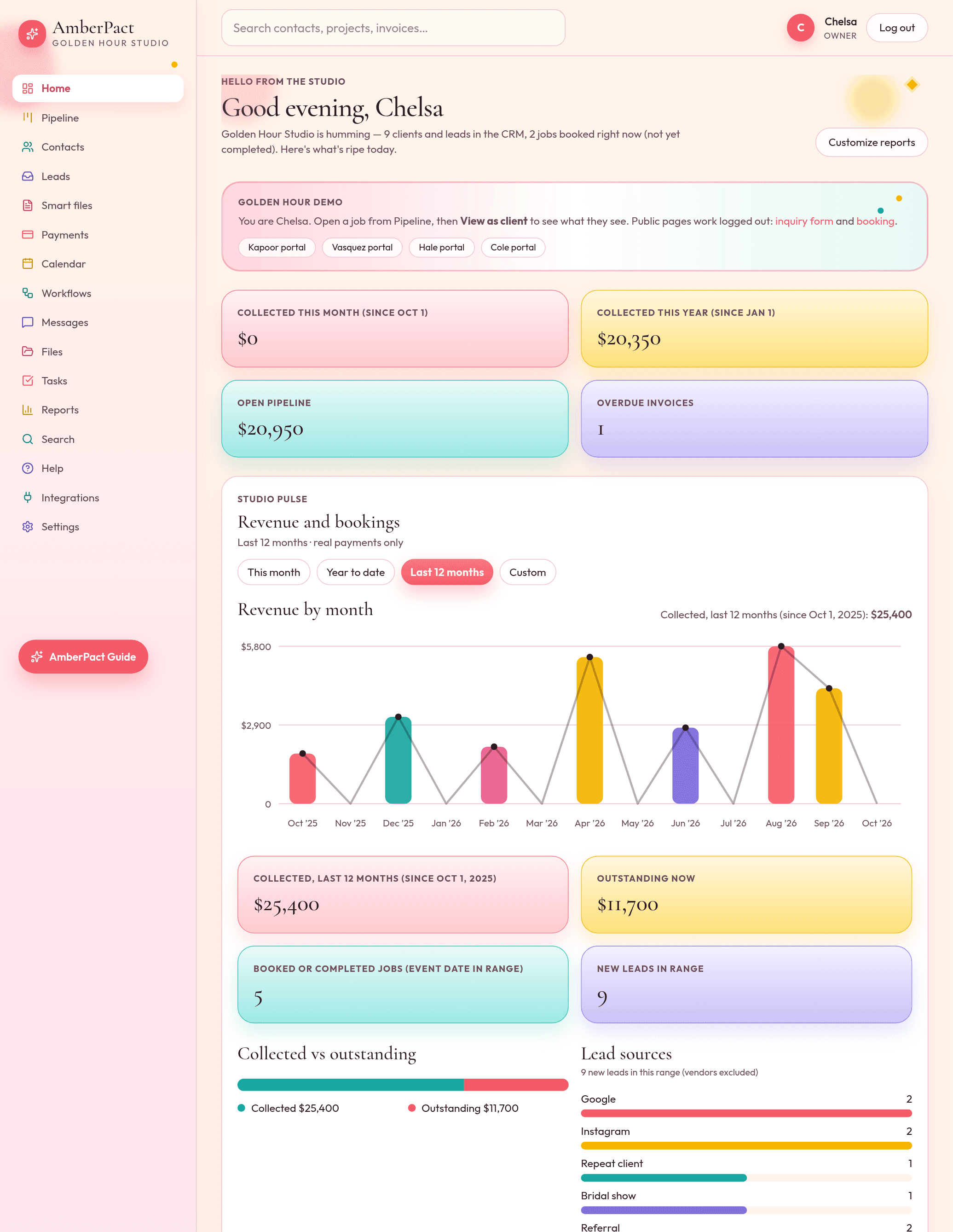
Home shows today’s pulse. Reports is a builder: date range, stage, lead source, tags, widgets, pin to Home, export CSV. “Collected this month” uses the same numbers as your payments list.
Revenue by month
Bar and line for the last 12 months, this month, YTD, or a custom span. Empty studios see an empty chart — we do not invent dollars.
Saved views
Start from Revenue, Payments, Leads, or Pipeline. Change the name, filters, and widgets. Save as your own.
Pin and export
Pin a view to Home. Export the current tables as CSV. Included on every plan, Starter too.
How it goes
- Step 1
Payments show up as clients pay. Home and Reports use the same total.
- Step 2
Open Reports, pick a preset, hide a widget, save the view.
- Step 3
Pin it. Next Monday the chart is waiting.